Pronghorn

Build software from your phone. While you live your life.

Pronghorn builds your app in the background — architected right — while you work your day job, hang with your family, or do literally anything else.
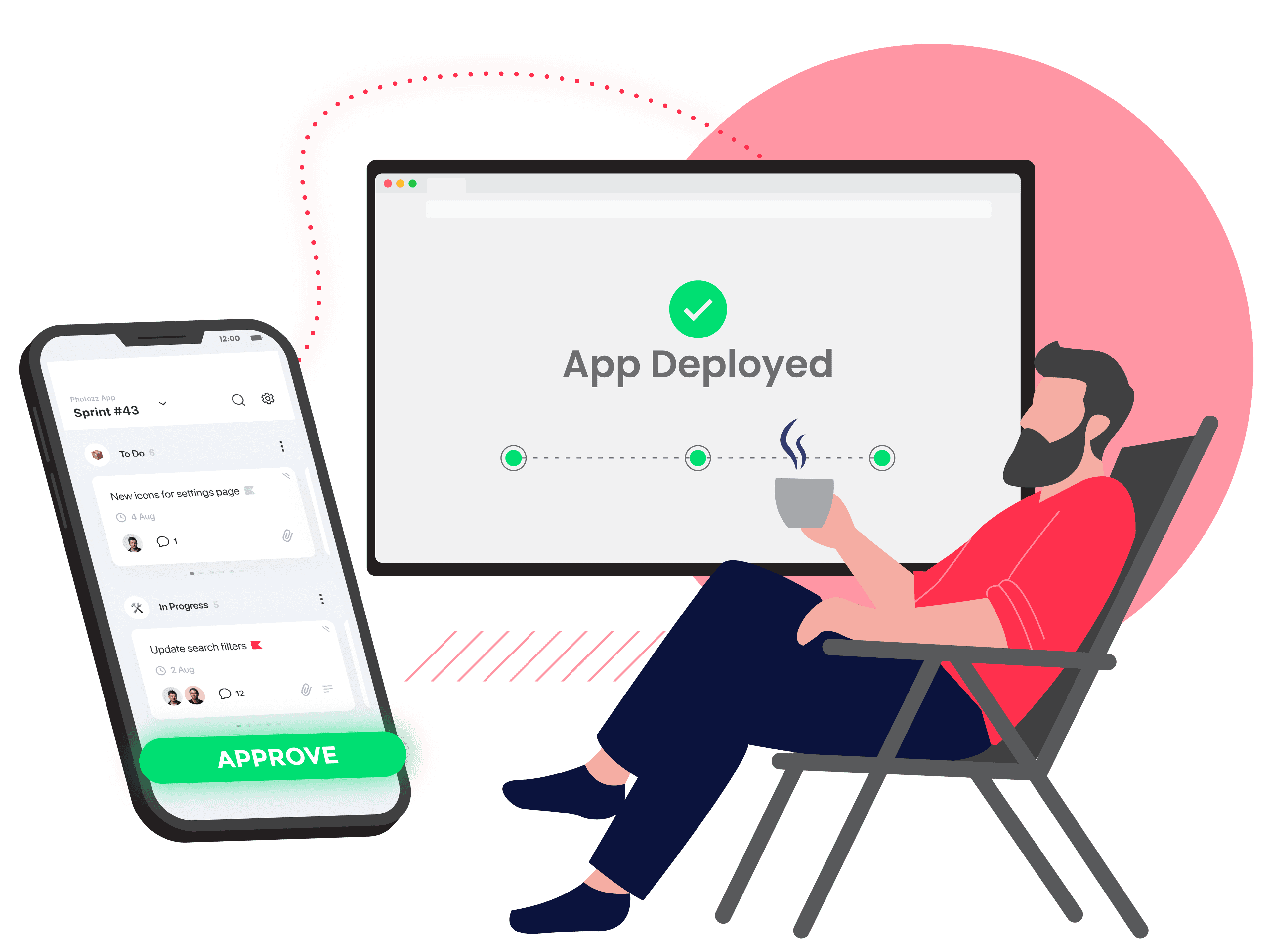
A split illustration: left side shows a smartphone with a clean sprint board UI (ticket cards with status labels, an "Approve" button glowing green), right side shows a person relaxing on a sunlit patio with a coffee, feet up. A subtle glowing dotted line connects the phone to a floating deployed app screen above. Clean, modern, editorial illustration style. Bright and approachable, not dark-mode developer aesthetic. Pronghorn brand colors: bright pink-red (#ff304d) accents on dark navy (#0b0d1b) background. | Size: 1280x960px (4:3). Format: PNG with transparent background so it composites cleanly over the dark radial gradient hero.

Your app builds itself. You just check in.

Answer a few questions about what you want to build. Pronghorn handles the rest — architecture, sprint planning, coding, deployment. Check progress from your phone over coffee. Review a feature on your lunch break. Approve a deployment from the couch.

No IDE. No terminal. No sitting at a desk for hours prompting an AI.

This is software development that fits your life — not the other way around.

Check in over coffee
Review on your lunch break
Approve from the couch

How it works

1

Tell Pronghorn what you want to build.

A quick conversational interview from your phone. What's the idea? Who's it for? What should it do? Answer what you want, skip what you're not sure about.
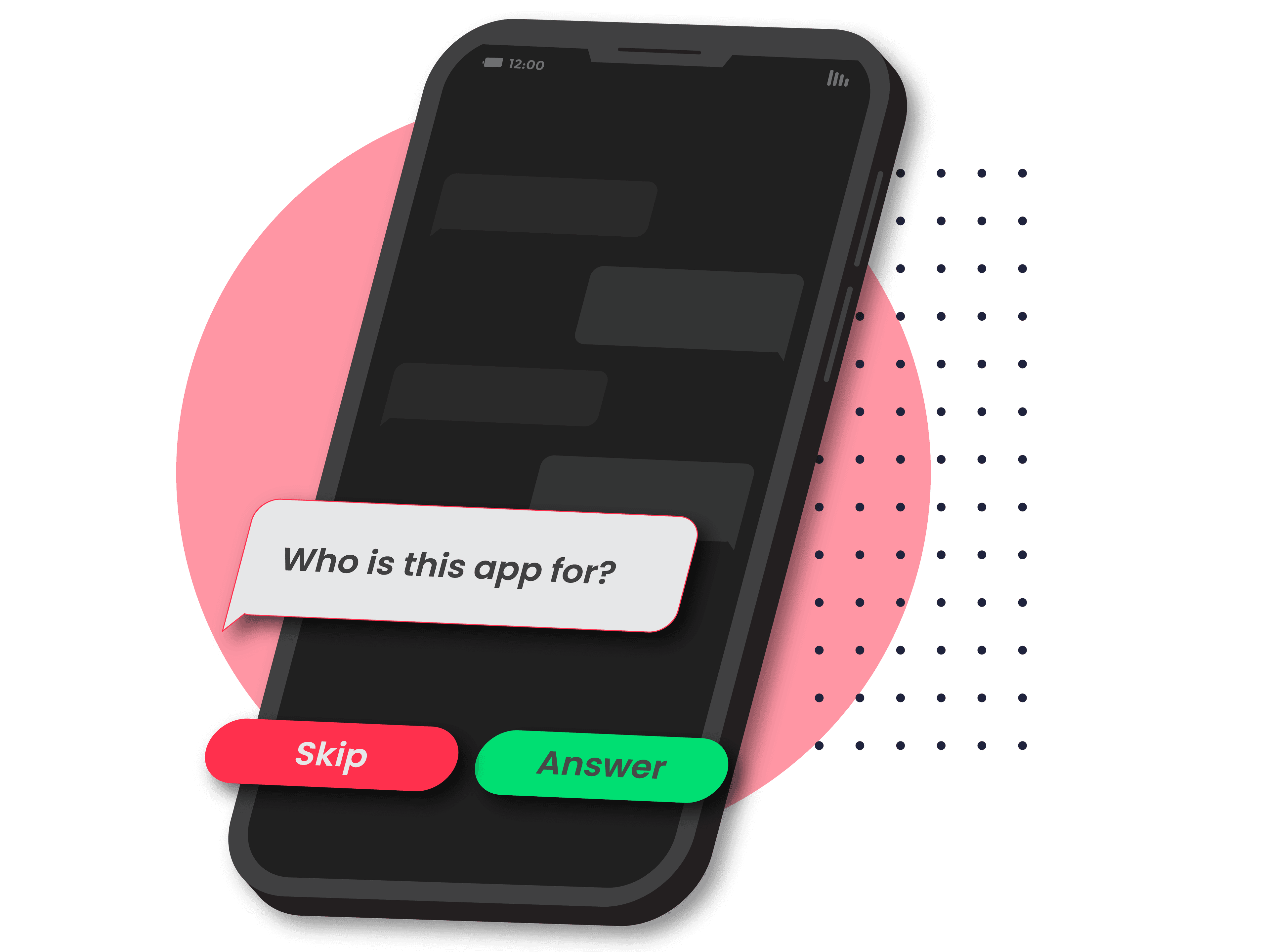
A smartphone screen showing a friendly chat-style interview interface. Conversational speech bubbles with warm colors, one question visible asking "Who is this app for?" with "Skip" and "Answer" pill buttons below. Clean UI, dark background (#0b0d1b), pink-red (#ff304d) accent on the active button. Modern mobile app design, no chrome. | Size: 1280x960px (4:3). Format: PNG with transparent background — the phone/UI floats over a dark section.

2

Pronghorn architects the foundation.

Before any code is written, your project gets a real technical blueprint — stack, data model, libraries. Everything built on a coherent structure from day one.
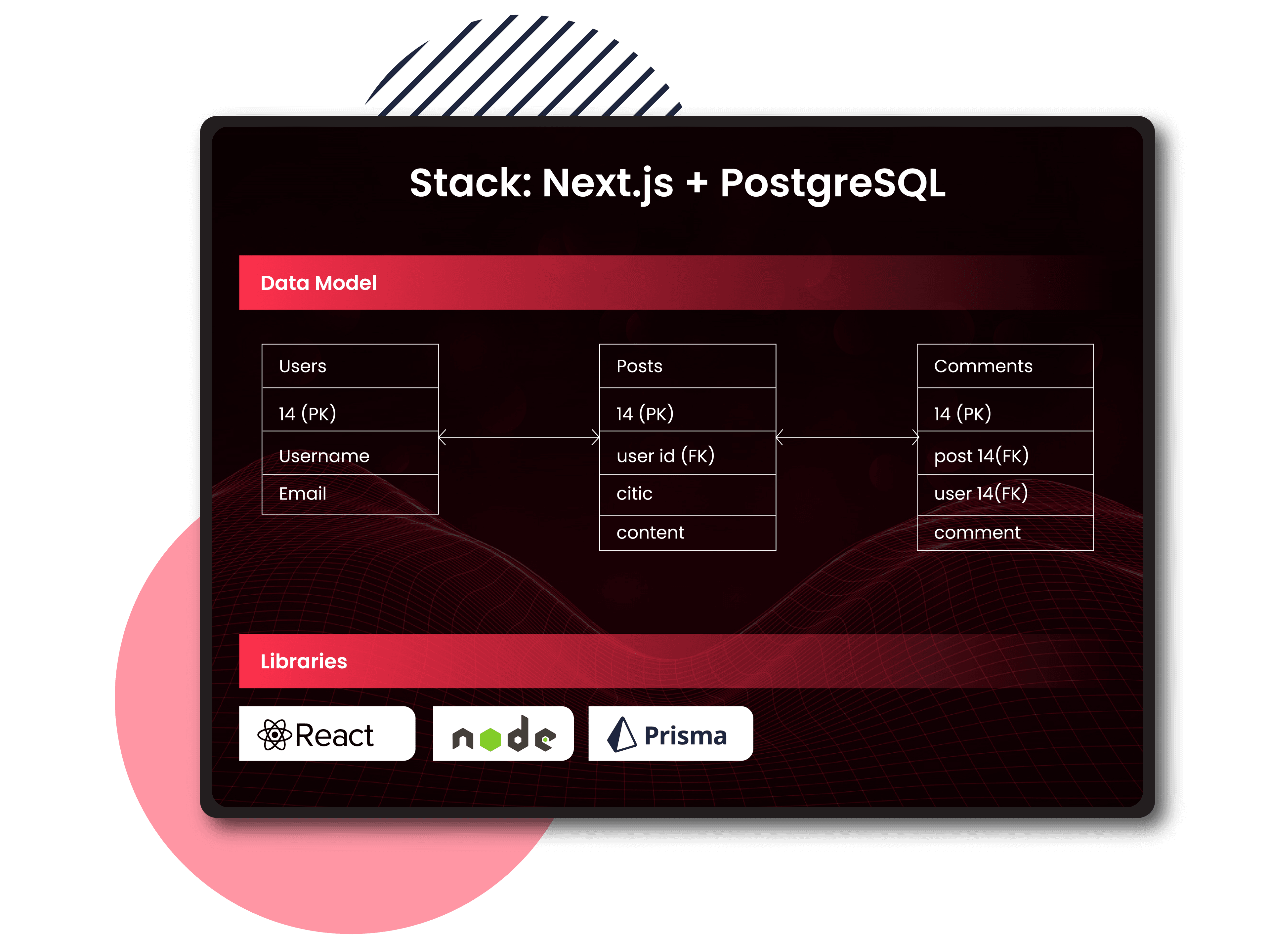
A stylized technical blueprint document with labeled sections: "Stack: Next.js + PostgreSQL", "Data Model" with a clean entity diagram, "Libraries" with version badges. Looks like a real engineering artifact, professional and organized. Dark background, clean white/gray text, subtle pink-red (#ff304d) section dividers. Feels like a polished architecture doc, not an abstract diagram. | Size: 1280x960px (4:3). Format: PNG with transparent background — the document floats over the dark section.

3

Your first sprint kicks off automatically.

Pronghorn breaks your goals into prioritized tickets with dependencies. An AI agent starts building, deploying each ticket for your review.
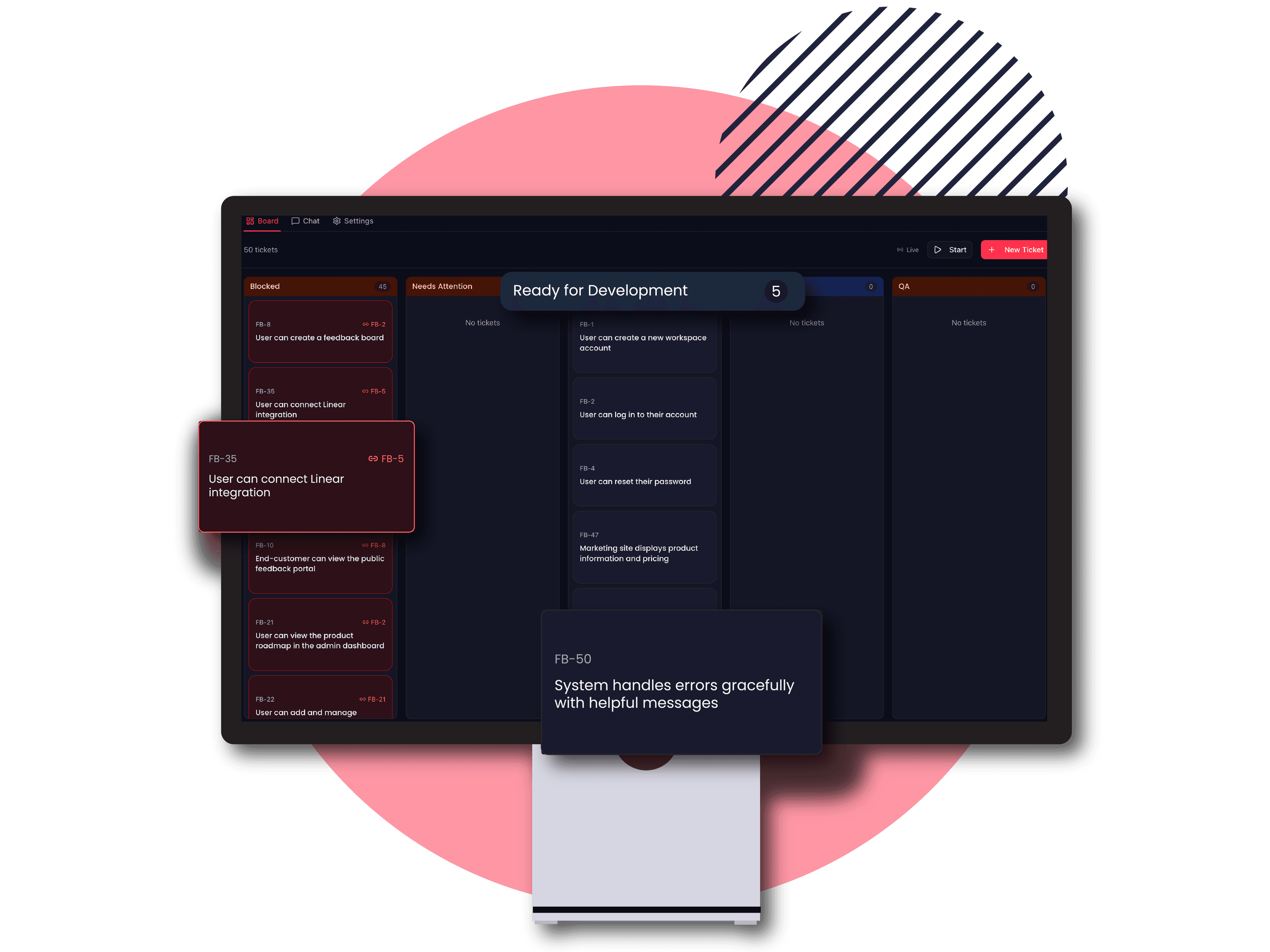
A kanban-style sprint board with 4 columns: Backlog, In Progress, Review, Done. 3-4 ticket cards visible with titles like "User authentication", "Dashboard layout", "API endpoints". One card in the Review column has a green checkmark and a glowing "Review" button. Clean, minimal UI on dark background (#0b0d1b), pink-red (#ff304d) accents on active elements. Looks like a real project management tool. | Size: 1280x960px (4:3). Format: PNG with transparent background — the board UI floats over the dark section.

4

Check in whenever.

From your phone. From anywhere. See what's been built. Answer questions to refine the product. Approve deployments. Request changes. All async, all on your schedule.
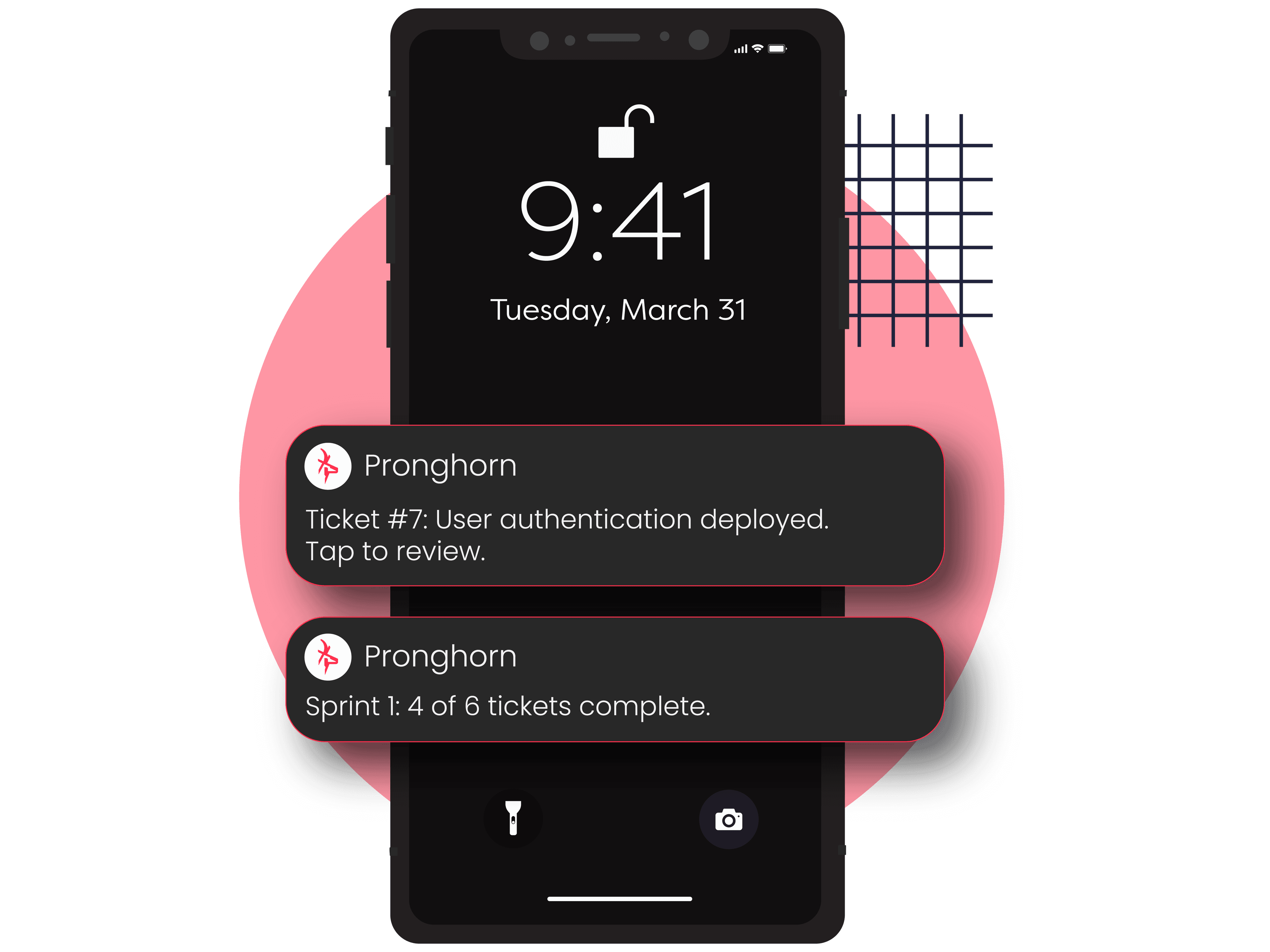
A realistic iOS push notification mockup on a smartphone lock screen: "Pronghorn — Ticket #7: User authentication deployed. Tap to review." Below it, a second notification: "Sprint 1: 4 of 6 tickets complete." The phone shows a blurred lifestyle background (park or coffee shop). Clean, photorealistic notification style with the Pronghorn logo mark. | Size: 1280x960px (4:3). Format: PNG with transparent background — the phone floats over the dark section. Show only the device, no surrounding scene.

5

Ship it.

Production-ready software. Professionally engineered. Yours.
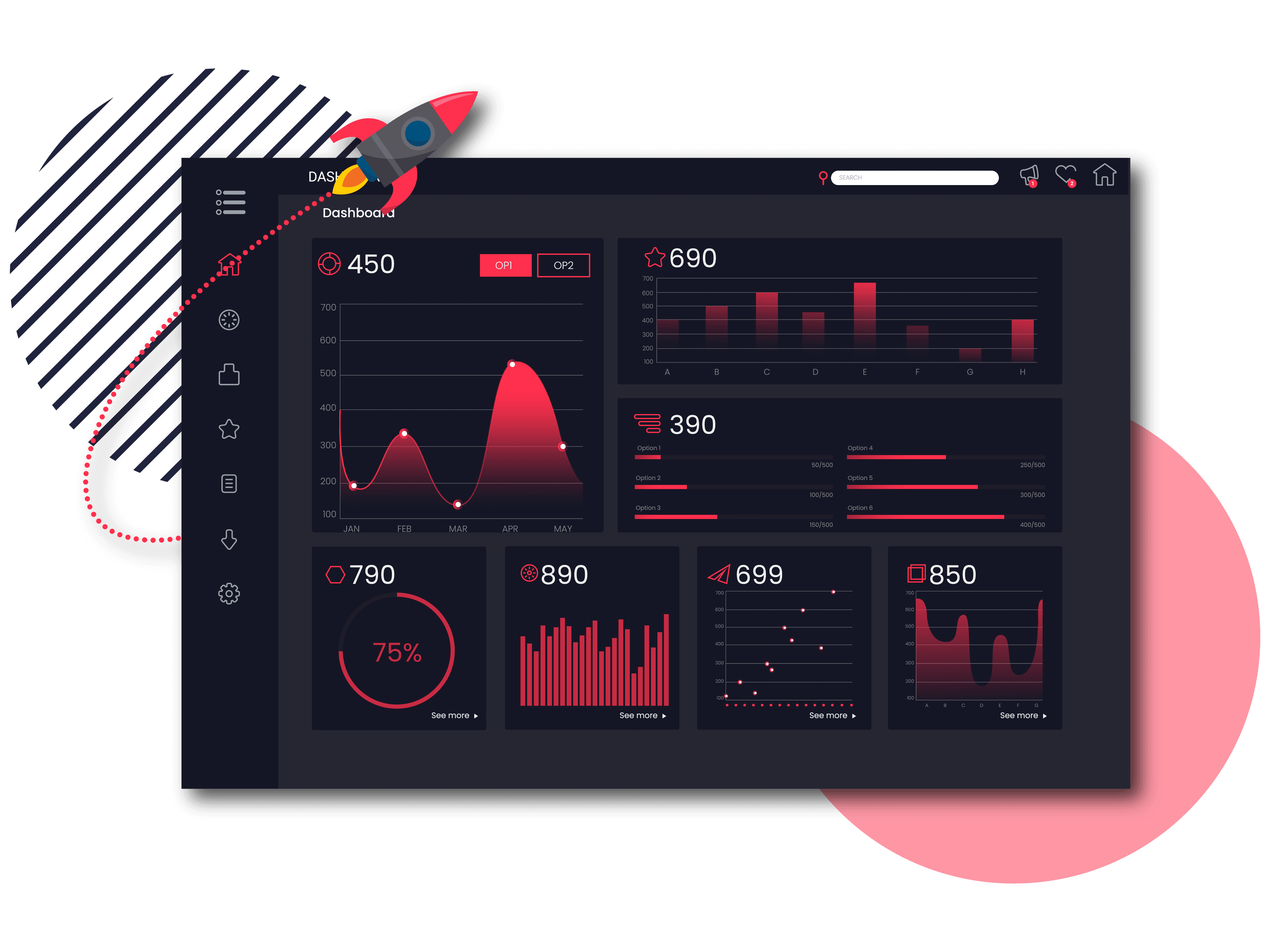
A browser window showing a polished, live deployed web application — a clean SaaS dashboard with charts, user avatars, and navigation. A subtle celebratory confetti animation in the corners. A small "Built with Pronghorn" badge in the footer. The browser URL bar shows "https://myapp.com". Bright, professional, feels like a real shipped product. Light UI inside the browser, dark background (#0b0d1b) outside. | Size: 1280x960px (4:3). Format: PNG with transparent background — the browser window floats over the dark section. Drop shadow to give depth.

Why your projects keep falling apart
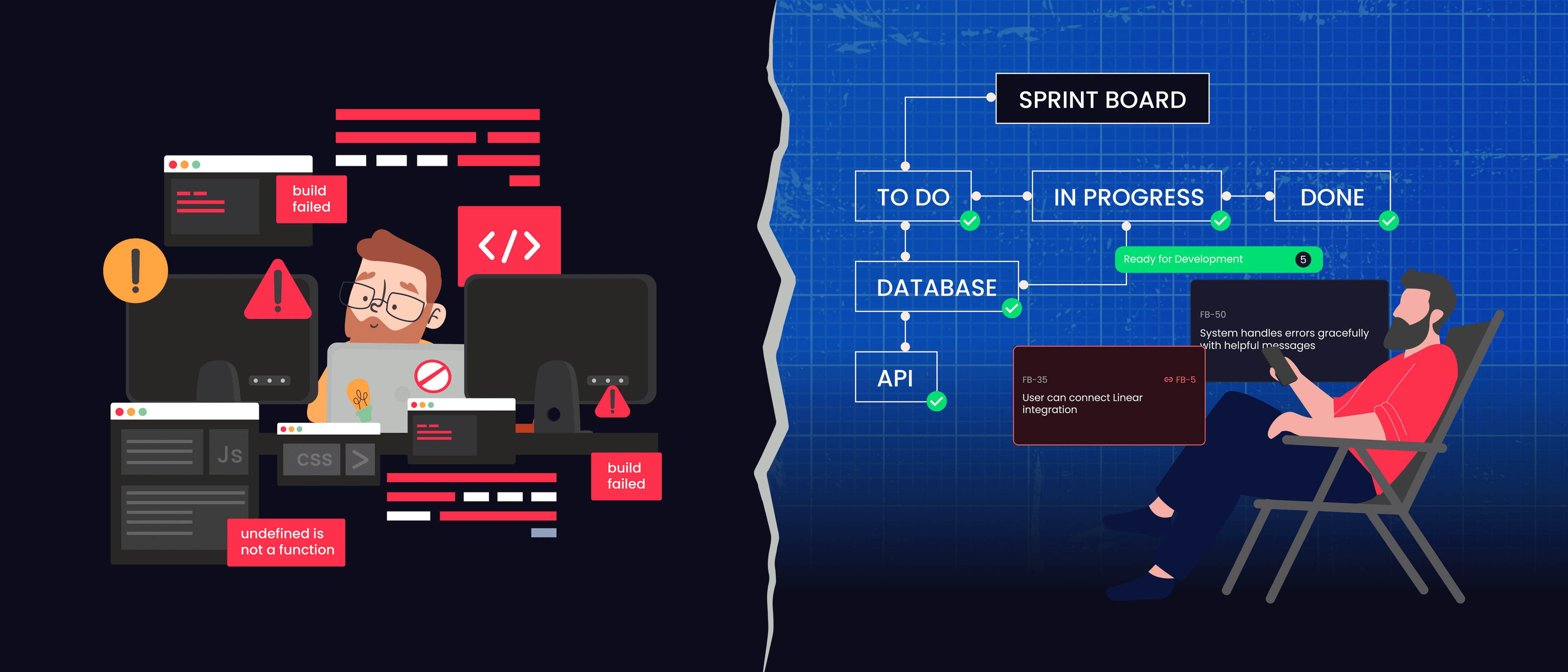
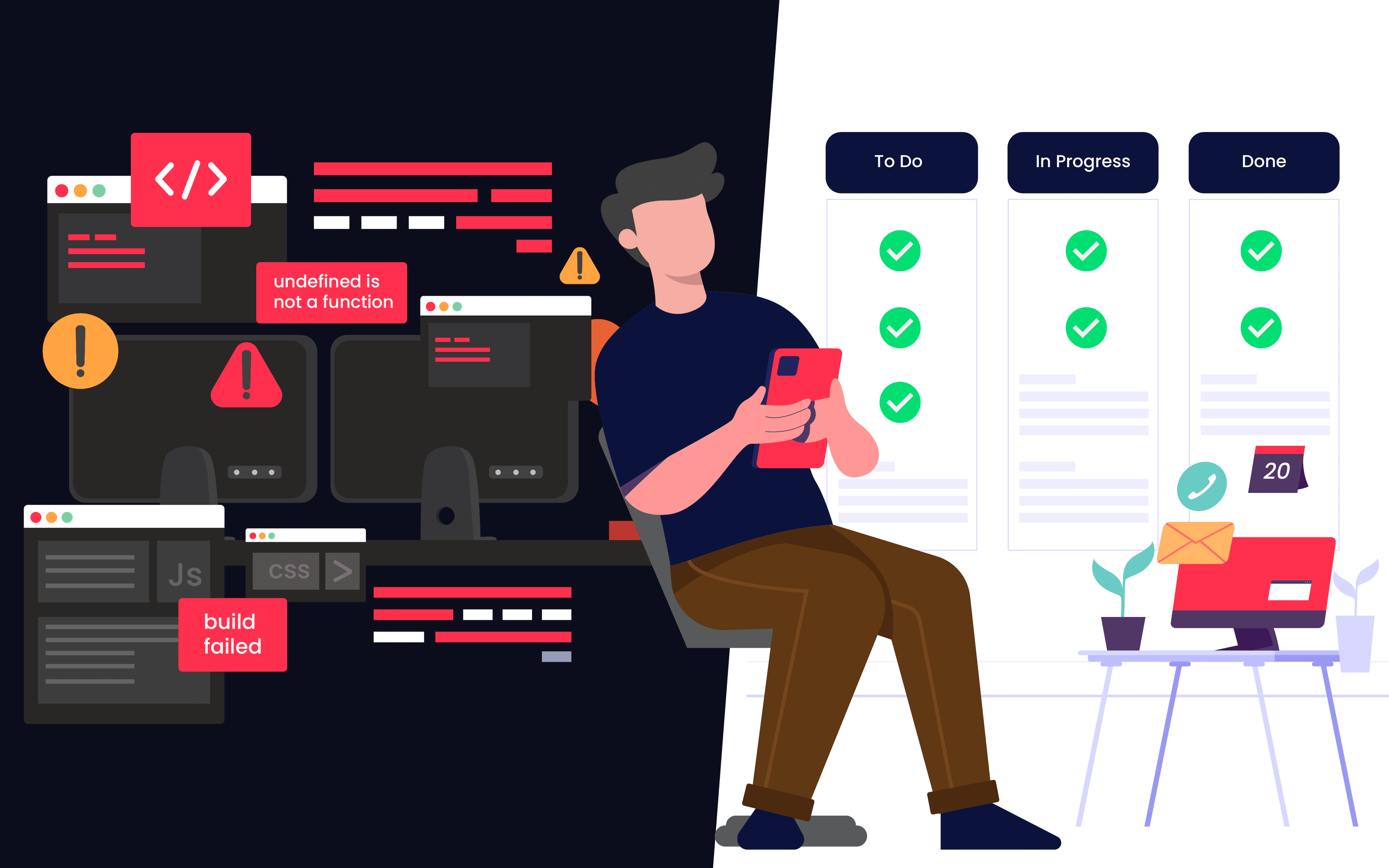
A two-panel illustration divided by a cracked wall. LEFT PANEL: Chaotic code visualization — tangled colorful lines, floating error messages ("undefined is not a function", "build failed"), red warning triangles, a frustrated silhouette at a desk surrounded by monitors showing errors. Messy, overwhelming, dark red tones. RIGHT PANEL: Clean, structured architecture — organized blueprint with connected boxes, green checkmarks, a relaxed person on a phone with a clean sprint board visible. Calm blue tones with pink-red (#ff304d) accents. The contrast between chaos and order is the emotional hook. | Size: 2560x1097px (21:9 ultrawide). Format: JPG — this is a full-bleed illustration with a filled background, no transparency needed. Background should blend with the dark surface color (#1a1a2e).

You've tried building with AI. Cursor, Claude Code, Lovable — they're powerful. But they all work the same way: you sit at a screen, prompt by prompt, building one piece at a time with no big-picture plan.

It's like adding coat after coat of paint without ever drawing blueprints. It works great — until it doesn't.

The more code the AI generates, the less anyone understands it. Features break other features. The AI can't fix its own mistakes. You hit the wall.

Pronghorn doesn't just write code. It runs the project. Your software is architected before a single line is written, so you never hit the wall in the first place.

16 of 18 CTOs surveyed reported production disasters caused by AI-generated code.

Who is Pronghorn for?

A person on a commuter train looking at their phone with a small, glowing app interface floating above it showing a sprint board. They are wearing business casual clothes, headphones around neck, morning light coming through the window. Warm, optimistic illustration style. Diverse representation. Not cartoonish, not photorealistic — somewhere in between, like Notion or Slack illustrations. | Size: 1120x700px (16:10). Format: JPG — full scene illustration with background, no transparency needed. Background tones should work against dark navy (#0b0d1b).

Side project builders

You have a day job and a product idea. You don't have hours to sit at a computer prompting an AI. Pronghorn builds while you're busy.
A person looking at a laptop showing a tangled mess of code and error messages, then turning toward their phone in their other hand where Pronghorn shows a clean, organized sprint board with green checkmarks. A "before/after" feeling within a single frame. The laptop side is dark and chaotic, the phone side is clean and bright. Warm illustration style matching Notion/Slack aesthetic. | Size: 1120x700px (16:10). Format: JPG — full scene illustration with background, no transparency needed. Background tones should work against dark navy (#0b0d1b).

Burned vibe coders

You've tried building with AI and hit the wall. You know it can work. Pronghorn is the process that makes it sustainable.
A person holding a phone with a glowing lightbulb above their head (representing an idea). No laptop in sight. They look excited and optimistic. The phone shows a simple, friendly chat interface. Background is clean and minimal. Approachable, zero-intimidation energy. Warm illustration style, diverse representation, bright and inviting colors with pink-red (#ff304d) accents. | Size: 1120x700px (16:10). Format: JPG — full scene illustration with background, no transparency needed. Background tones should work against dark navy (#0b0d1b).

First-time builders

You have an idea but no technical experience. Pronghorn handles the engineering so you don't have to.
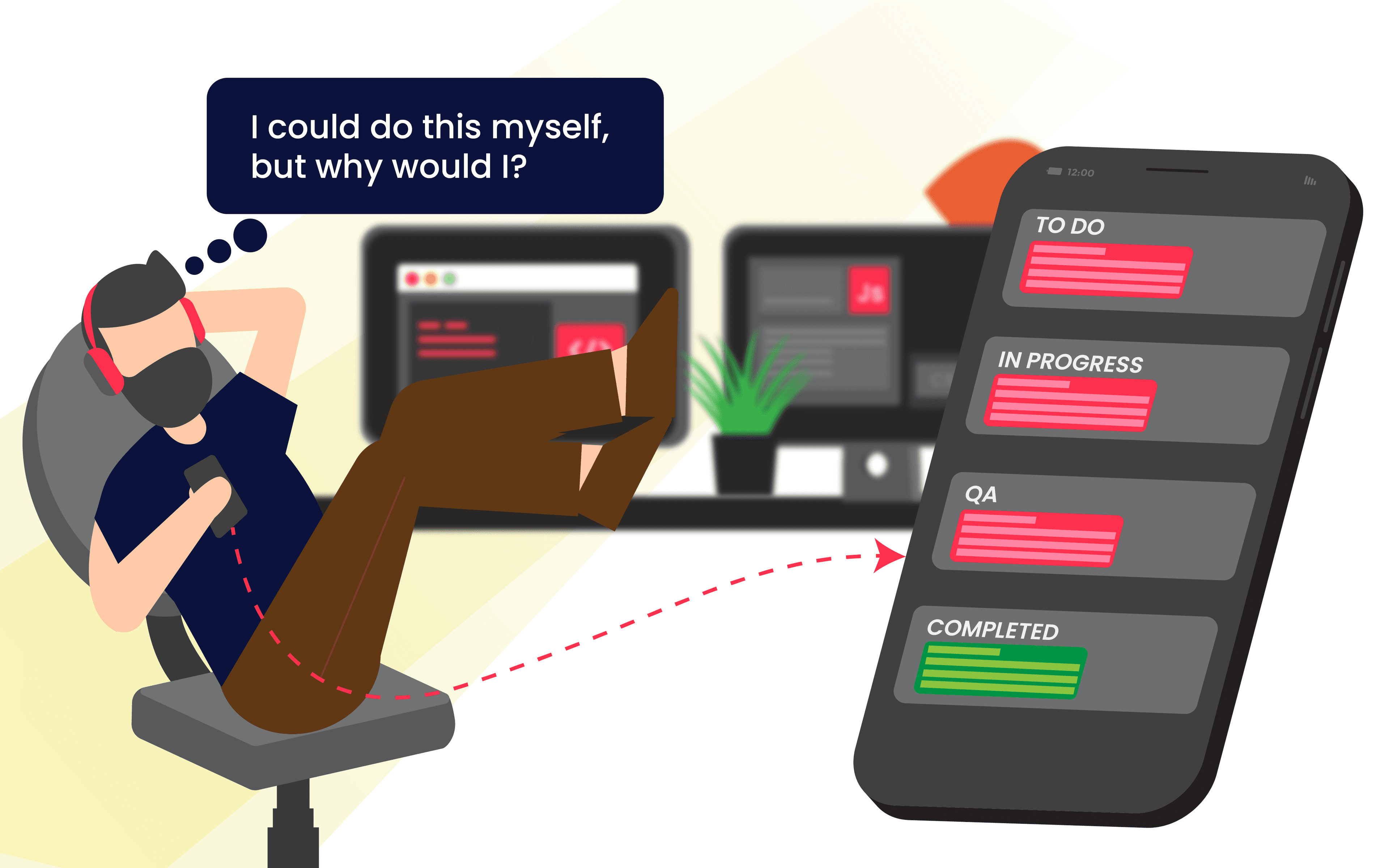
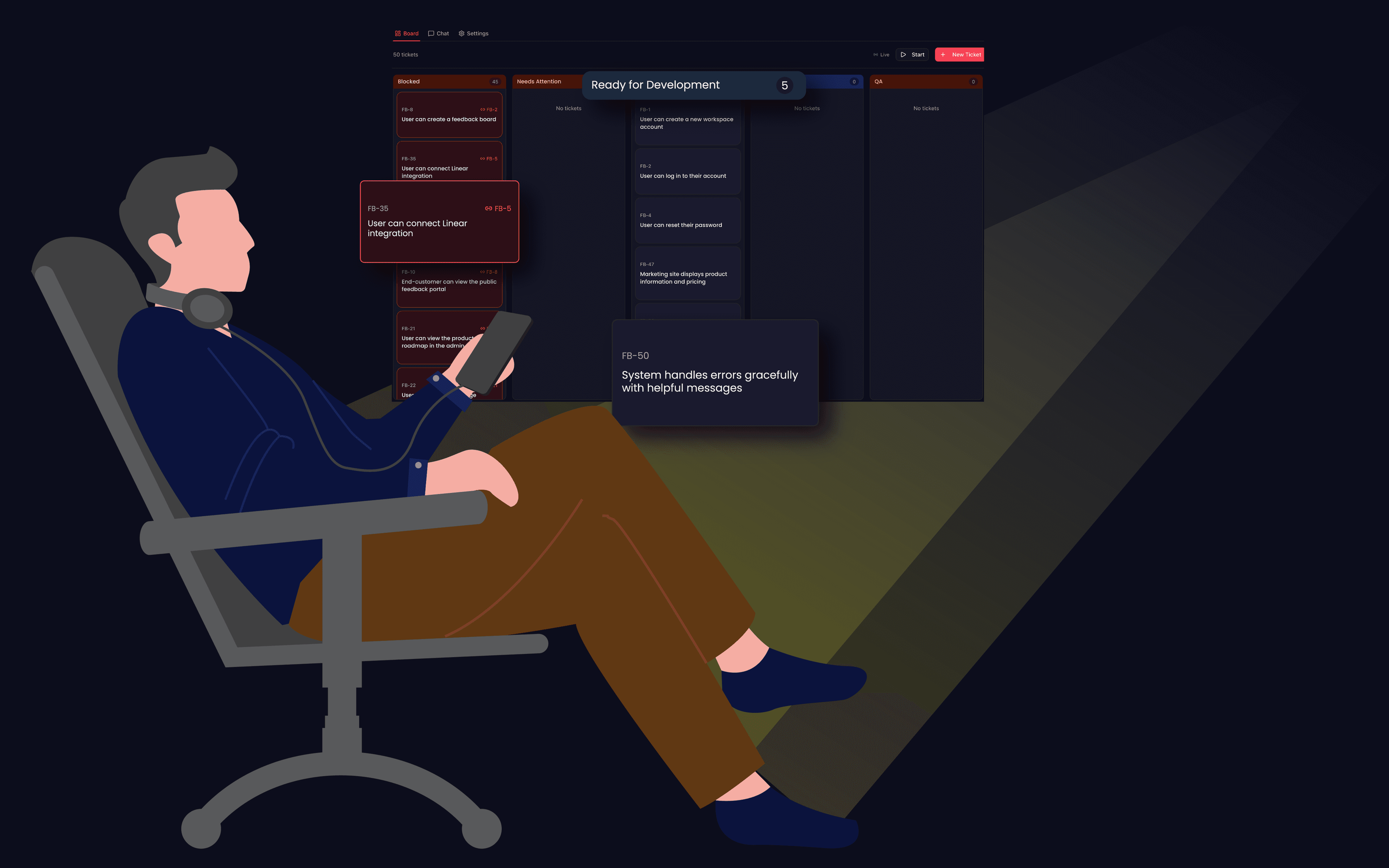
A person leaning back in an office chair, relaxed posture, with multiple monitors behind them showing code and dashboards. In their hand, a phone running Pronghorn with a sprint board. The vibe is "I could do this myself, but why would I?" Confident, experienced energy. Clean office environment, warm illustration style. The monitors are slightly out of focus, the phone is the focal point. | Size: 1120x700px (16:10). Format: JPG — full scene illustration with background, no transparency needed. Background tones should work against dark navy (#0b0d1b).

Technical founders

You know how software should be built. You want an AI that does too — on autopilot.

Not another AI coding tool.

Pronghorn

Builds while you're away
Works from your phone
Architects before coding
Manages sprints & dependencies
Deploys for QA review
Cost$100/mo

AI Coding Tools

Builds while you're away
Works from your phone
Architects before coding
Manages sprints & dependencies
Deploys for QA review
Cost$20/mo

Freelancer / Agency

Builds while you're awayPartially
Works from your phone
Architects before codingSometimes
Manages sprints & dependencies
Deploys for QA review
Cost$5,000–$50,000

You're not choosing between Pronghorn and Cursor. You're choosing between Pronghorn and hiring a developer.

Pricing

Start here

Free Trial

$07 days

Enough to see your first tickets go from idea to deployed software.

  • $10 in credits
  • Full platform access
  • No credit card required

Hobbyist

$20/month

For side projects and exploration.

  • $20 in usage credits
  • Unlimited projects
  • Phone-based workflow
  • Community support
Most Popular

Pro

$100/month

For builders who are serious about shipping.

  • $100 in usage credits
  • Unlimited projects
  • Priority agent processing
  • Advanced architecture options
  • Buy additional credits anytime

Still 98% less than hiring a developer for your MVP.

Built by a builder. Using the builder.

A professional but approachable portrait photo of a male software engineer in his late 30s/early 40s. Not a corporate headshot — something that says "builder" not "executive." Natural lighting, casual setting (workshop, home office, or coffee shop). Wearing a simple t-shirt or henley. Confident, friendly expression. Background slightly blurred. | Size: 800x1000px (4:5 portrait). Format: JPG — this will be a real photo, not an illustration. No transparency needed.

Carter Parks

Founder & Builder

Pronghorn was created by Carter Parks — a software engineer with 20 years of experience building products across web, mobile, and hardware for Fortune 500 companies and solo startups.

He built Pronghorn using Pronghorn.

The platform is its own proof of concept: professionally engineered software, built by AI agents, managed by a process that actually works.

Start building software while you live your life.

We're launching soon. Join the waitlist to get early access, $10 in free credits, and a front-row seat to the future of software development.

No credit card required. No code required. No desk required.